Trading journal memos
Write Markdown research notes in your trading journal web app or extension, then optionally pin a memo as a floating window on chart sites you enable. Create and edit memos in the extension memo panel or the Memos screen in the web app.
What a memo is
A memo is a Markdown note you keep alongside your journal — playbooks, bias, checklists, or research. Memos live in your account; you can open them from the web app or the memo control on the EndureTrade floating bar.
Pinning on the chart
Pinning is optional. On an enabled chart site, open the memo module, select a personal memo, and pin it. A separate floating window appears on that page — drag, resize, edit, refresh, or unpin. Pins follow the same enabled-site pattern as journal actions, so related hosts share the same pins.
Minimise, screenshots, and limits
Minimise a pin to a small chip when you need chart space. Optionally hide a pin from chart screenshots captured from the bar. Your plan caps how many memos you can pin at once — see pricing.
Prefer a file backup? See the memo import guide.
Pinning a memo
Pin a memo, resize it, minimise to a chip, and unpin.
More walkthroughs on @EndureTrade on YouTube.
Memos in the web app and extension
Write notes in the journal, open them from the bar, and pin a window on the chart when you need it in view.
Research memos with images
Capture market notes in markdown, embed chart images while you study, and revisit memos alongside your sessions.
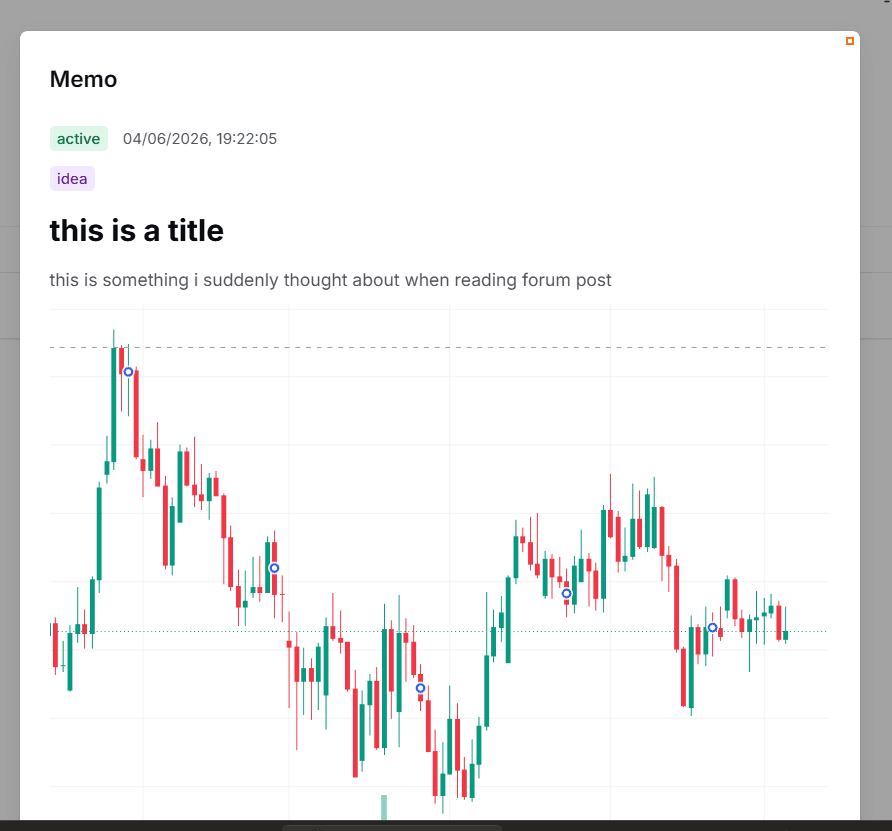
Open personal memos from the bar
Use the memo control on the navbar to open research notes, jot quick ideas, and attach a chart screenshot without leaving the page.
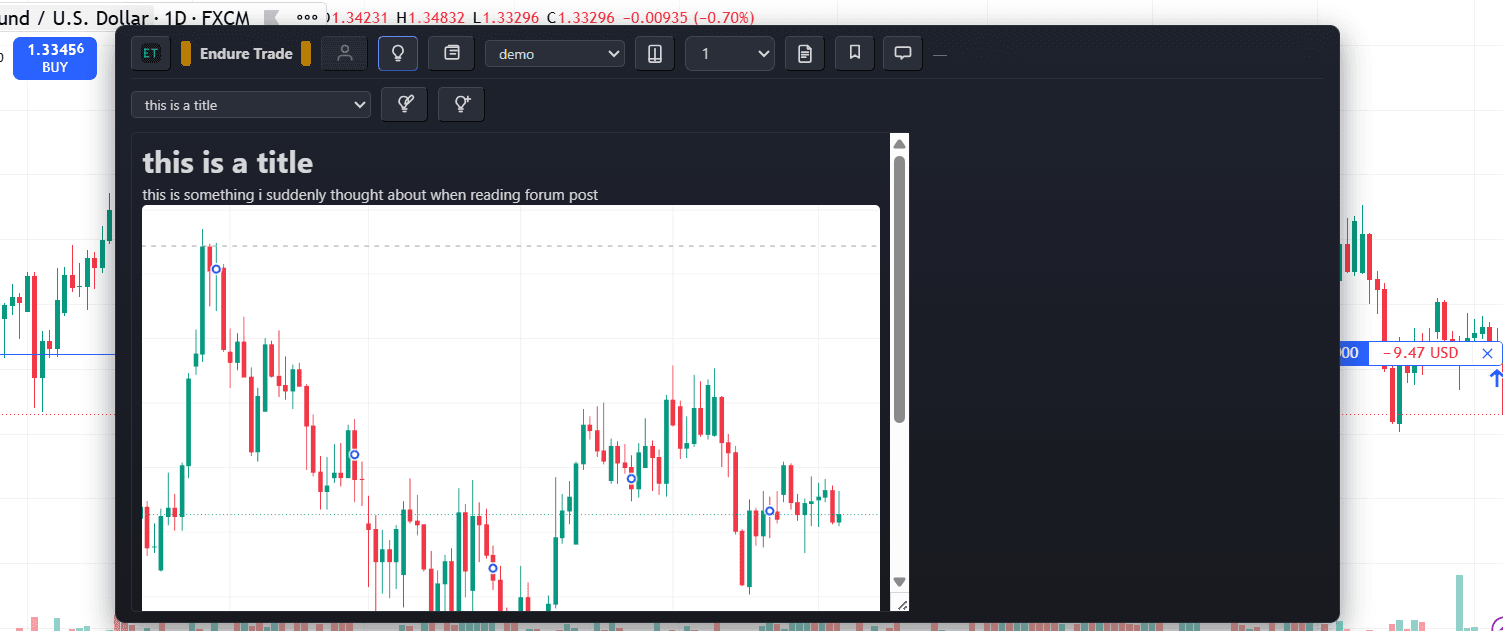
Pin a memo to the chart page
Pin a personal Markdown memo as a floating window on the page — drag, resize, and keep your playbook visible while you journal.
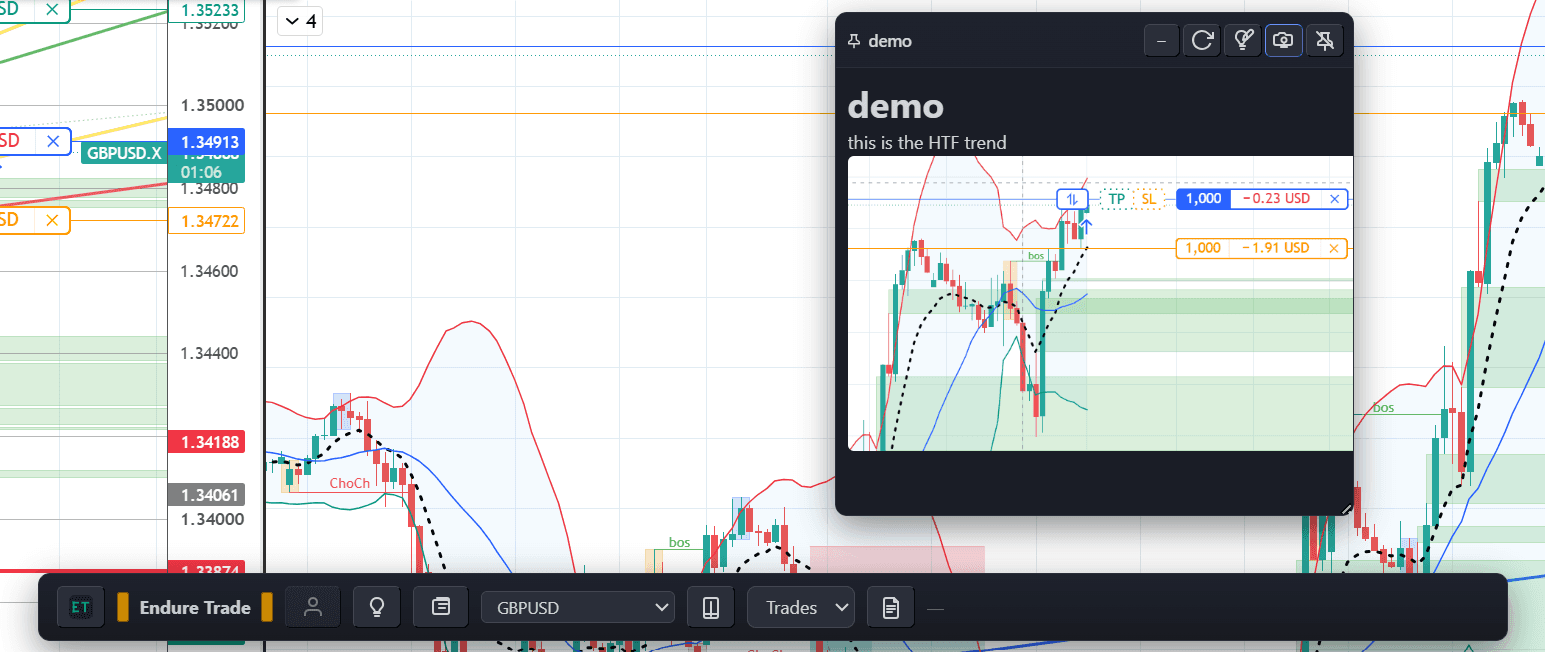
Pinned memo beside journal actions
Keep research notes pinned while one-click journal actions speed up logging — both live on the floating bar for sites you enable.
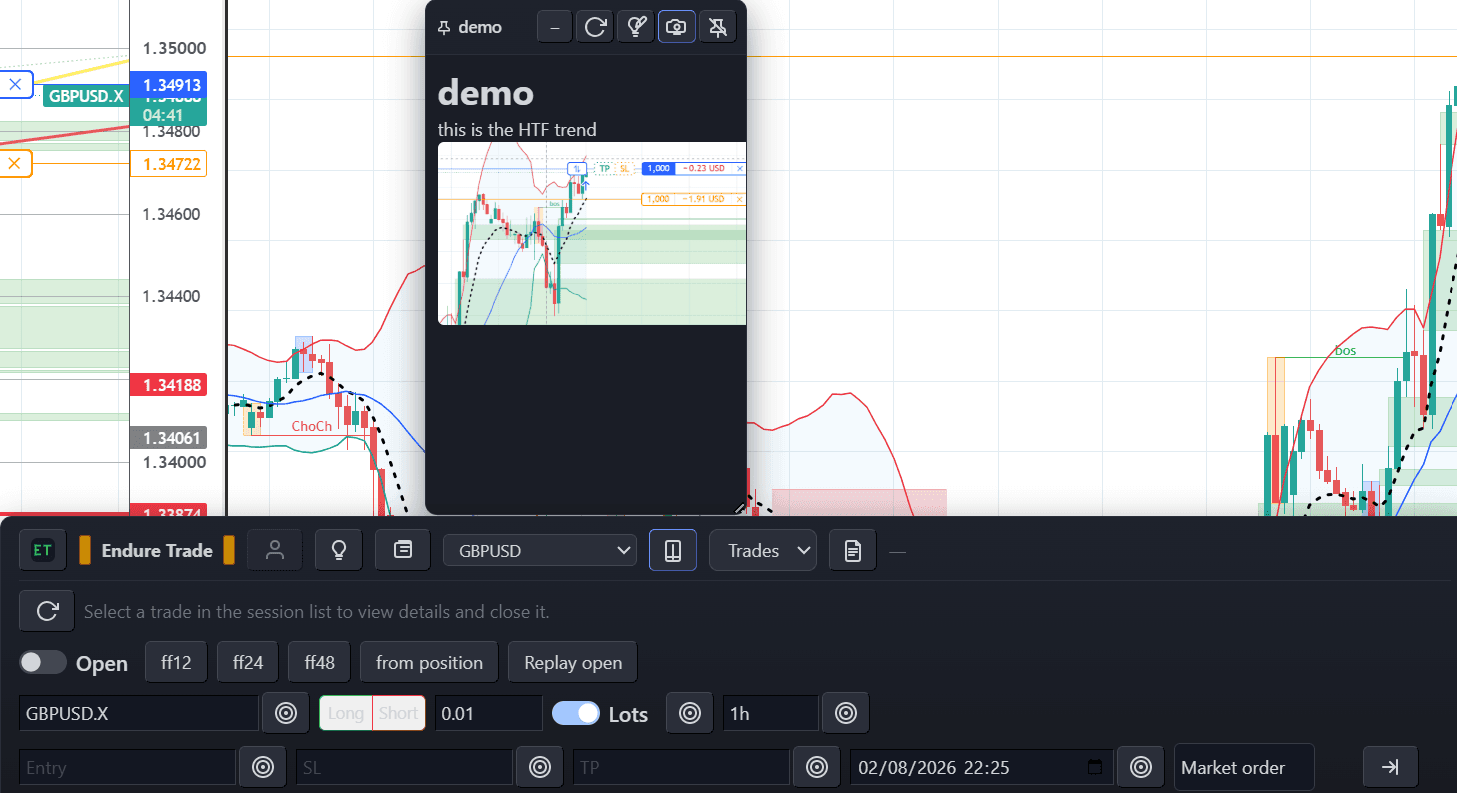
Minimise pinned memos to a chip
Collapse a pinned memo to a small chip when you need more chart space, then expand it again when you need the note.
